
The Coconut Secure Cloud Browser
A no-install cloud browser where your team — and the AI tools and agents they rely on — run safely off the endpoint. ChatGPT, Claude, Codex, OpenClaw, Hermes, and your custom agents, all contained in a managed cloud session.

A Secure Workplace That Lives in the Browser
Coconut is a cloud-hosted browser your team logs into from any device. Their work apps run inside that browser — not on the local machine — so security, policy, and access live in one place.
No-install
Nothing to deploy on the endpoint.
Secure by default
Sessions run in the cloud, not on the device.
Any device
Personal, corporate, BYOD, or contractor.
From Login to Logout in Five Steps
- 01
User logs in from any device
Browser, laptop, tablet, Chromebook — no installs, no agents, no setup.
- 02
A secure cloud browser session launches
Their work browser — and any AI agents they invoke — runs in our cloud, isolated from the local device.
- 03
User accesses approved apps and AI tools
SaaS, internal apps, ChatGPT, Claude, Codex, Gemini, Copilot — all behind one allowlisted session.
- 04
Admins enforce AI and URL policy centrally
GenAI allowlists, agent controls, URL rules, and session-level visibility from one portal.
- 05
Session ends. Nothing left behind.
No local data, no cached credentials, no exposed endpoints.
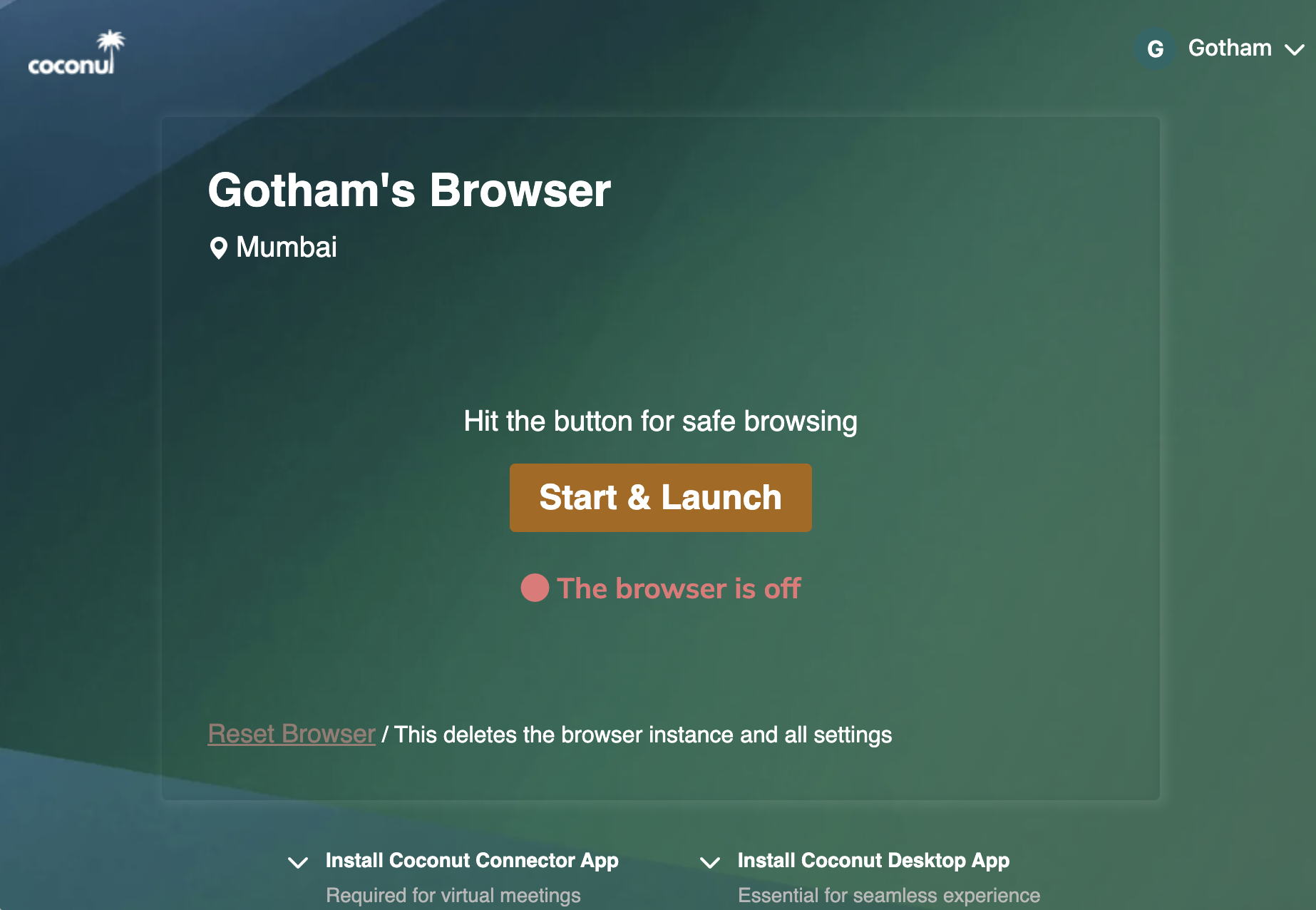
Sign in
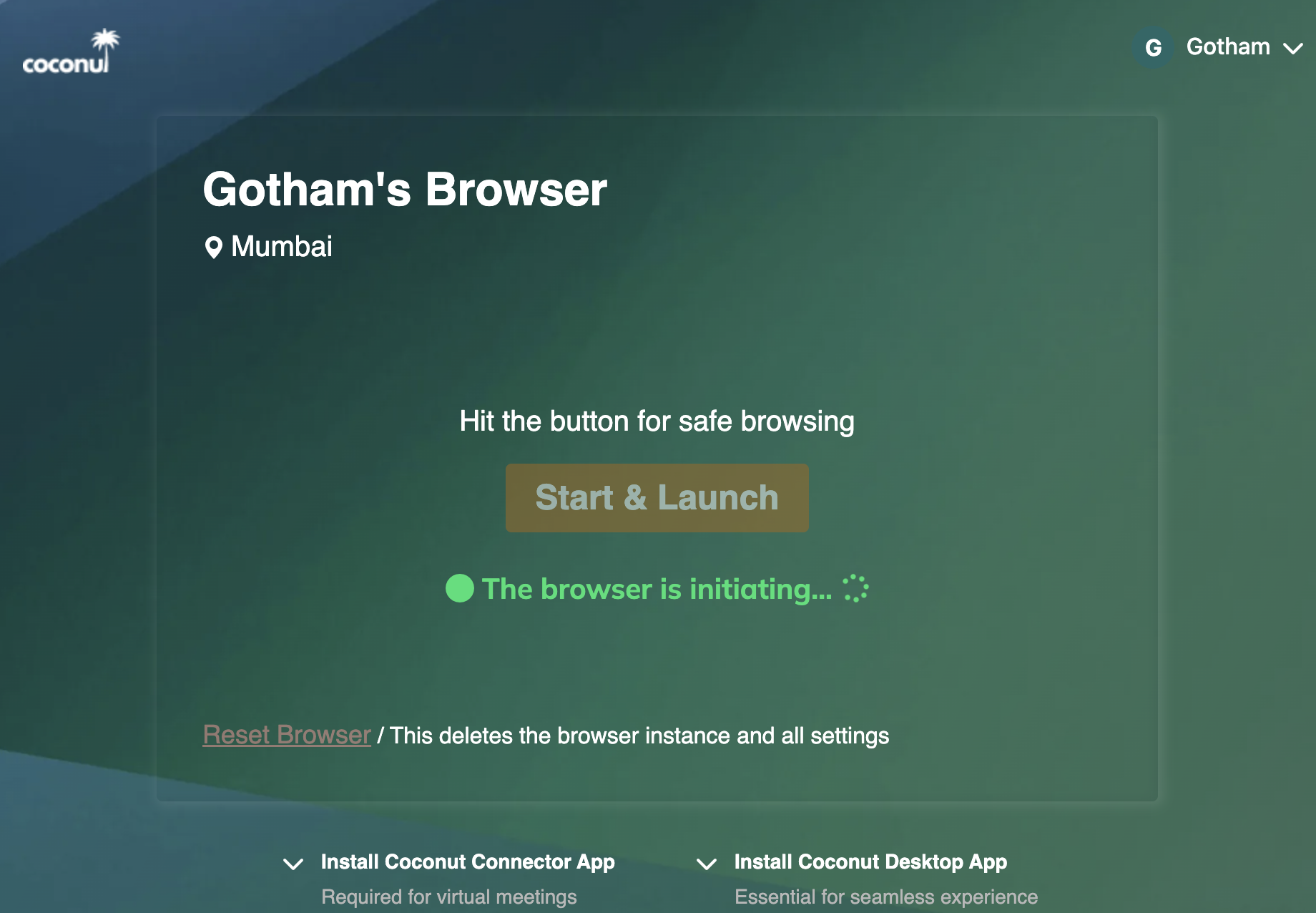
Session spinning up
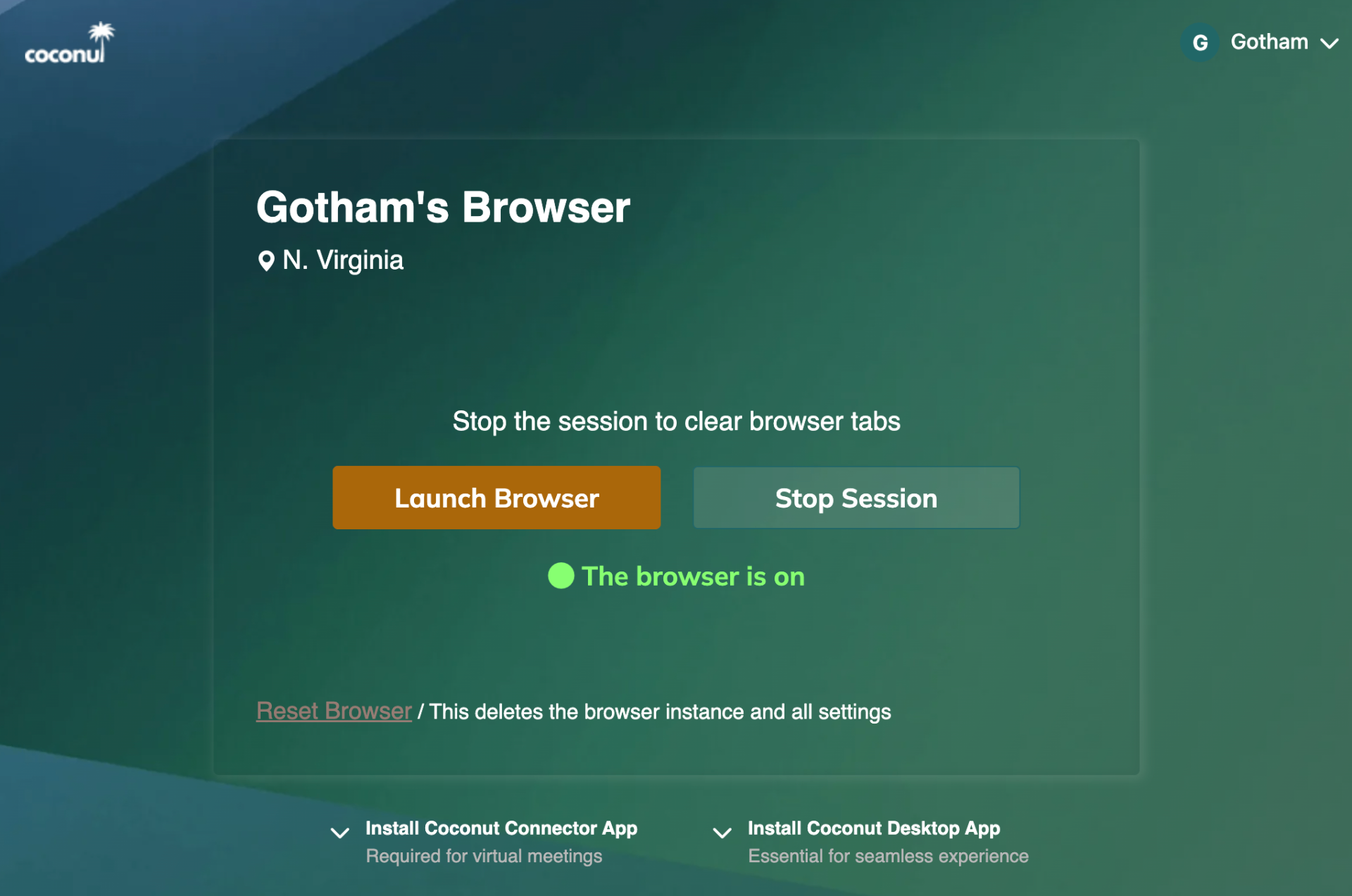
Pick a region — N. Virginia or Mumbai
Any Web App. Any Workflow.
If it runs in a browser, it runs in Coconut — without changing how your team works.
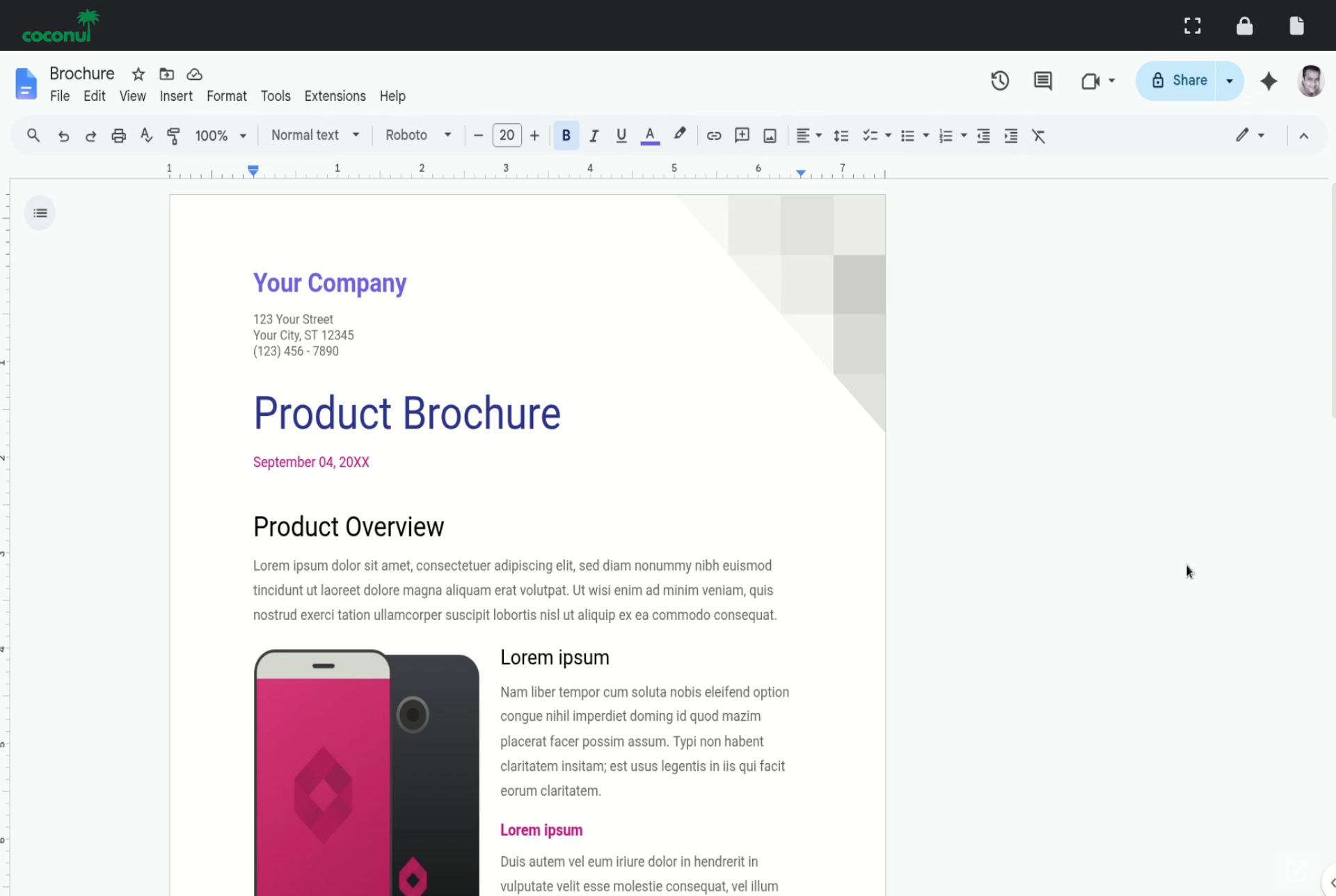
Google Workspace
Docs, Sheets, Slides, Drive, and Gmail run in the cloud session — credentials and downloads stay there too.
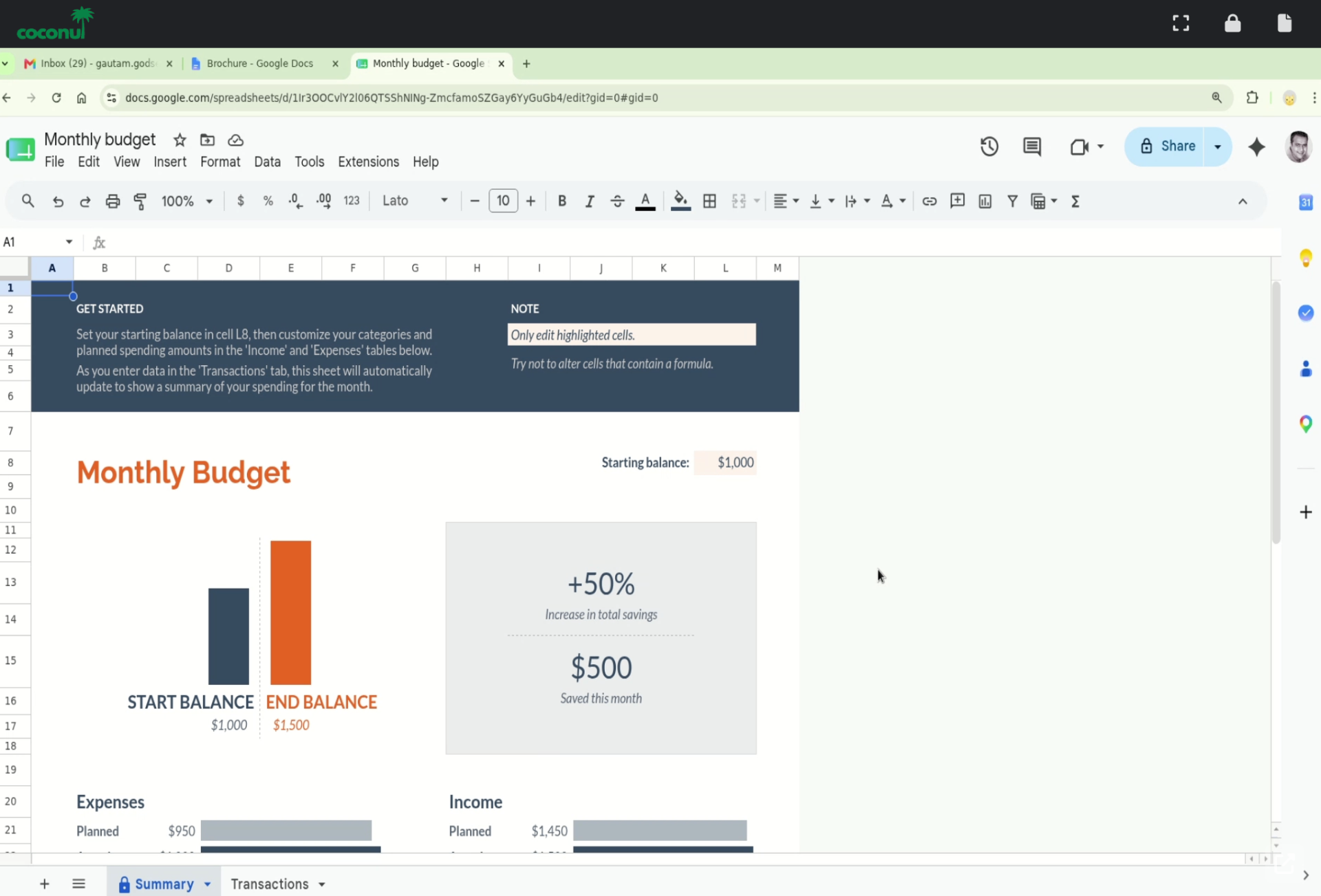
Spreadsheets, dashboards & SaaS
Financial models, BI dashboards, CRMs, ticketing tools — the apps your team uses every day.
Everyday Browser Risk, Quietly Contained
Most attacks today start in a browser tab: a malicious site, a phishing link, a fresh zero-day. With Coconut, the tab runs in the cloud — so those threats never reach the endpoint.
Malicious sites isolated
Drive-by downloads and exploit kits execute in the cloud session, never on the laptop.
Phishing contained
Suspicious links open in an isolated browser. Cookies, downloads, and credentials stay locked down.
Zero-day buffer
A new browser CVE drops? Your endpoint isn't the attack surface — the cloud session is.
Defense in depth
Less reliance on endpoint security alone. EDR, AV, and Coconut layer cleanly.
Browser Agents Belong in the Cloud
OpenClaw, Hermes, and custom Playwright/CDP agents act on the user's behalf — clicking, typing, reading. Coconut runs them inside the cloud session so they never touch corporate files, cookies, or networks on the endpoint.
Agent runtime in the cloud
Browser agents execute against the cloud Chrome, not the user's laptop. No local Playwright, no local Node spawning a browser.
GenAI policy
Allowlist ChatGPT, Claude, Codex, Gemini, and Copilot per team. Block unapproved AI surfaces at the browser layer.
AI usage audit
Session-level record of which AI tools and agents were used — without keylogging the endpoint.
A Browser People Already Know How to Use
Familiar Chrome experience
Tabs, bookmarks, extensions where allowed — just like the browser they already use.
Fast cloud-hosted sessions
High-performance compute and fast network paths to the apps people actually use.
Any device, anywhere
Works from personal laptops, tablets, and Chromebooks. No corporate image required.
One Portal. All Your Users, Apps, and Policies.
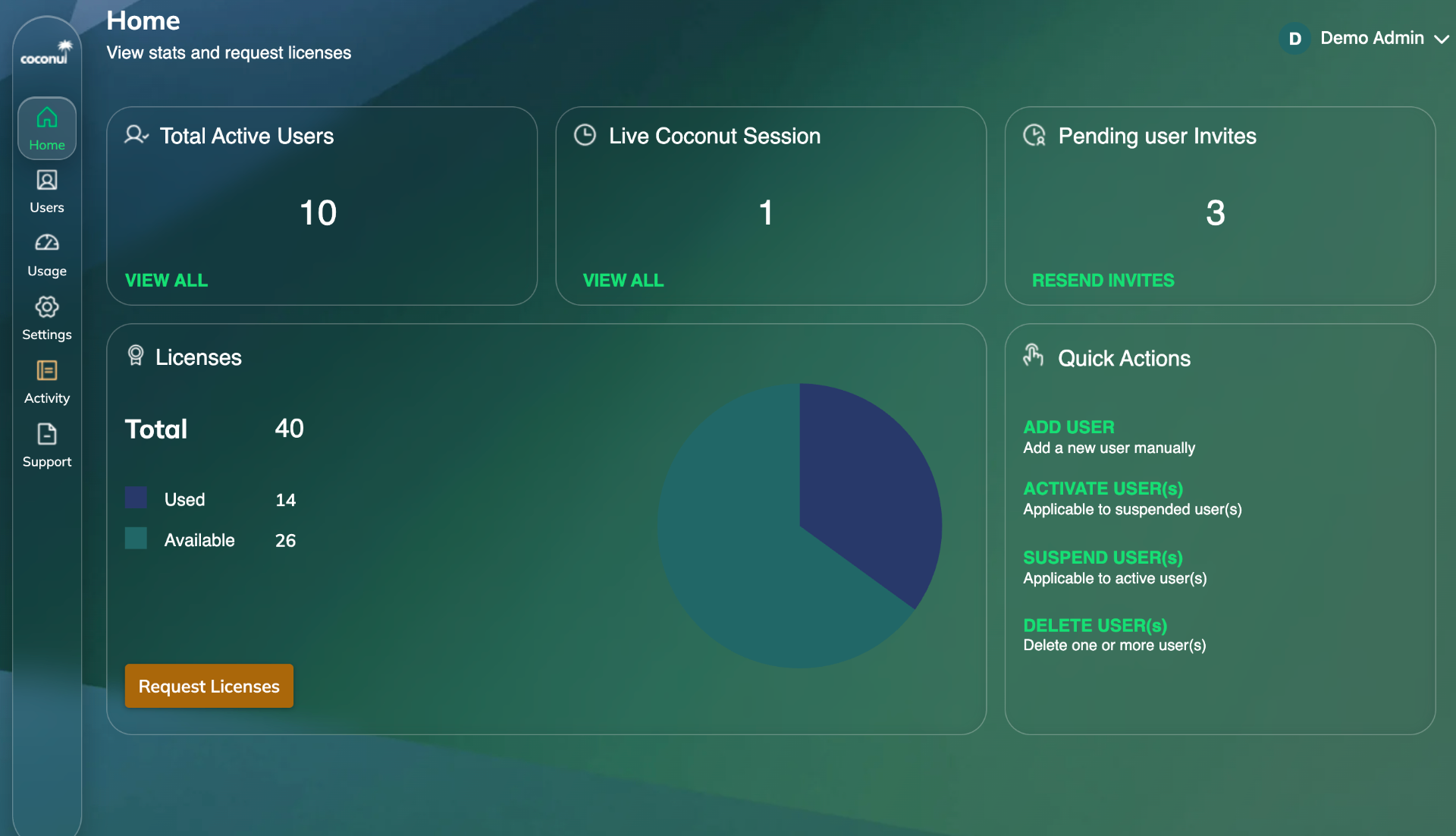
Central policy
Manage users, organizations, licenses, and access from a single portal.
Granular URL controls
Allowlist, blocklist, and scope access by org, team, or user.
Visibility & control
See who is accessing what, and revoke access in seconds.
Built for Managed Service Providers
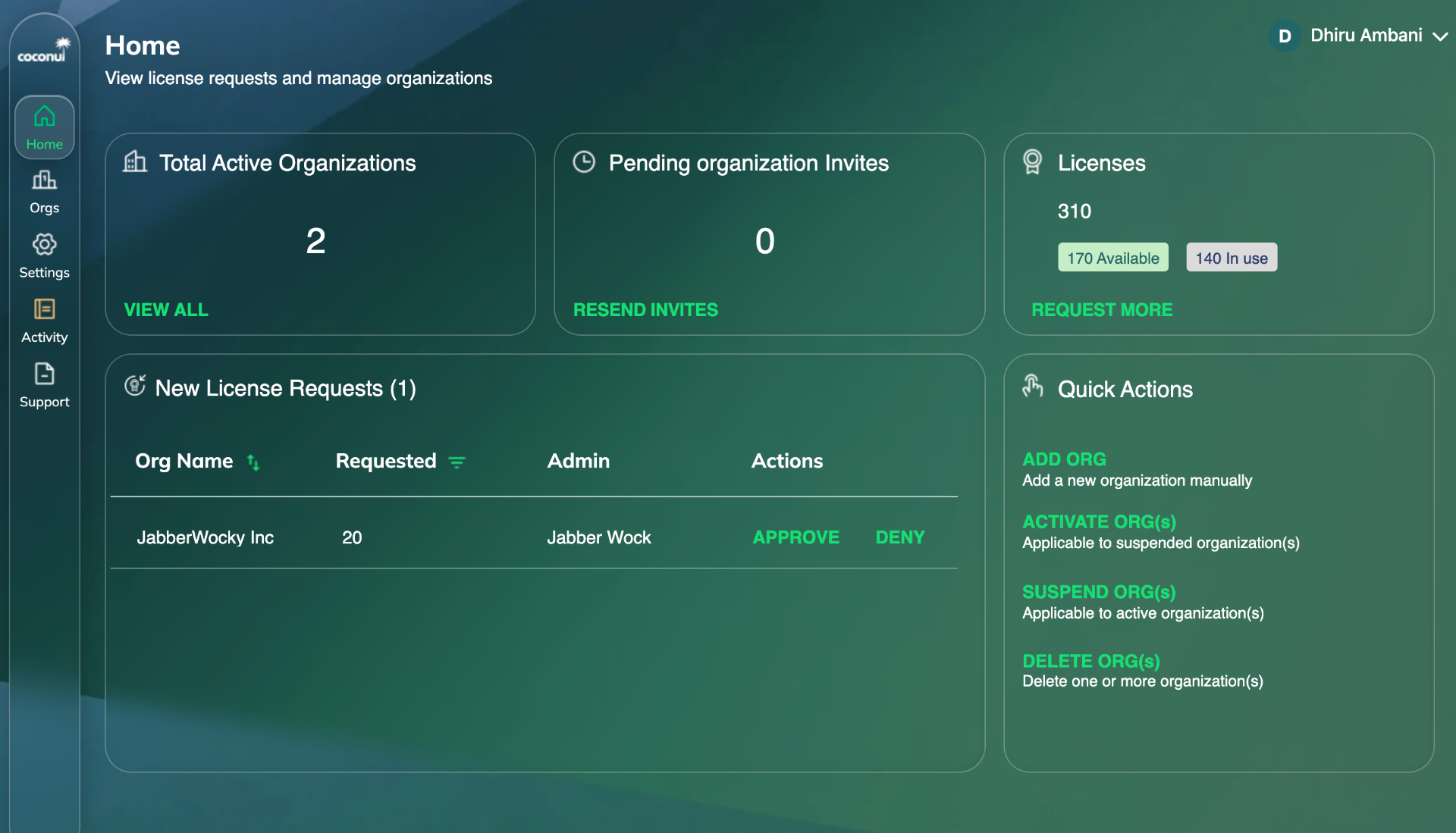
Multi-tenant by design
Manage many client organizations from one MSP portal.
License allocation
Move seats between customers as your book of business changes.
Per-tenant policy
Each client gets their own users, rules, and reporting.
Security That Lives Where Work Happens
By moving the browser into the cloud, Coconut shrinks your attack surface and gives admins one place to enforce policy across users, devices, and apps.
- Browser sessions isolated in the cloud
- Protects endpoints from malicious sites
- AI agents execute in cloud, not on endpoints
- Phishing links open in a contained session
- Per-tool GenAI allowlists
- Defends against zero-day browser vulns
- Session-level AI activity visibility
- Improves compliance posture
- No data persisted on local devices
- Granular URL allowlists
- Reduced exposure from unmanaged endpoints
- Policy enforcement per org, team, or user
Cloud-Native, Built for Speed
High-performance cloud compute
Fast network paths to SaaS and internal apps
Scales from a single user to thousands
Browser experience users already know
Where Teams Deploy Coconut
Running ChatGPT, Claude, Codex safely
Containing browser agents like OpenClaw and Hermes
Replacing VPN for SaaS access
BYOD and personal device access
Contractor and temporary worker onboarding
GenAI governance and shadow-AI control
VDI replacement for browser-based workloads
MSP-managed secure workplace offering
See Coconut in Action
A short demo is the fastest way to understand why teams replace VPN, VDI, and unmanaged browsers with Coconut.