
A Secure Cloud Browser for the Modern Workplace
Protect endpoints from malicious sites, phishing, BYOD risk, and zero-day browser exploits — all from a cloud browser users log into from any device. And when teams need ChatGPT, Claude, Codex, or browser agents, those run safely in the cloud session too.

Nine Things a Cloud Browser Quietly Fixes
Most browser risk doesn't come from exotic threats. It comes from the everyday: a bad link, an unknown site, an unmanaged laptop. Coconut moves the browser off the endpoint, so those risks land somewhere safe.
Protects endpoints from malicious websites
Drive-by downloads and exploit kits hit the cloud session, not the user's laptop.
Reduces phishing risk
Suspicious links open inside an isolated browser — credentials and cookies stay contained.
Safer access to unknown sites
Uncategorized and one-off websites render in the cloud, away from corporate data and the network.
Limits data leakage
Files, downloads, and copy-paste stay inside the policy-enforced cloud session.
Defends against zero-day browser vulns
Browser exploits land in the cloud — your endpoint isn't the attack surface.
Less reliance on endpoint security alone
Defense in depth: even if EDR or AV misses something, the cloud browser is already isolated.
Useful for high-risk users
Execs, finance, HR, and IT can browse from a hardened cloud session by default.
Supports BYOD and unmanaged devices
Personal laptops, tablets, and contractor machines log in — no MDM, no agent install.
Improves compliance posture
Centralized policy, audit trail, and data containment make compliance evidence easier to produce.
AI Moved Into the Browser. The Risk Moved With It.
ChatGPT, Claude, Codex, Gemini, Copilot — and now browser-native agents like OpenClaw and Hermes — read files, click links, and act on behalf of users. When that runs on a laptop, it runs with the laptop's keys to the kingdom.
Run AI Agents in the Cloud, Not on Your Laptop
Coconut is purpose-built for the era of browser agents. Every prompt, click, and file access happens inside a cloud-isolated session — so AI can be powerful without being dangerous.
Agents run in the cloud
OpenClaw, Hermes, and custom browser agents execute inside Coconut — never touching the endpoint.
No local credential exposure
Cookies, tokens, and SSO sessions stay in the cloud browser, out of reach of local AI tools.
GenAI allowlist
Approve ChatGPT, Claude, Codex, Gemini, and Copilot per team. Block the rest at the browser.
Audit AI activity
Session-level visibility into which AI tools were used, when, and by whom.
From Login to Secure Browsing in Three Steps
Users sign in to their Coconut workspace from any device. A fresh, isolated browser spins up in the cloud — and they're working in seconds.
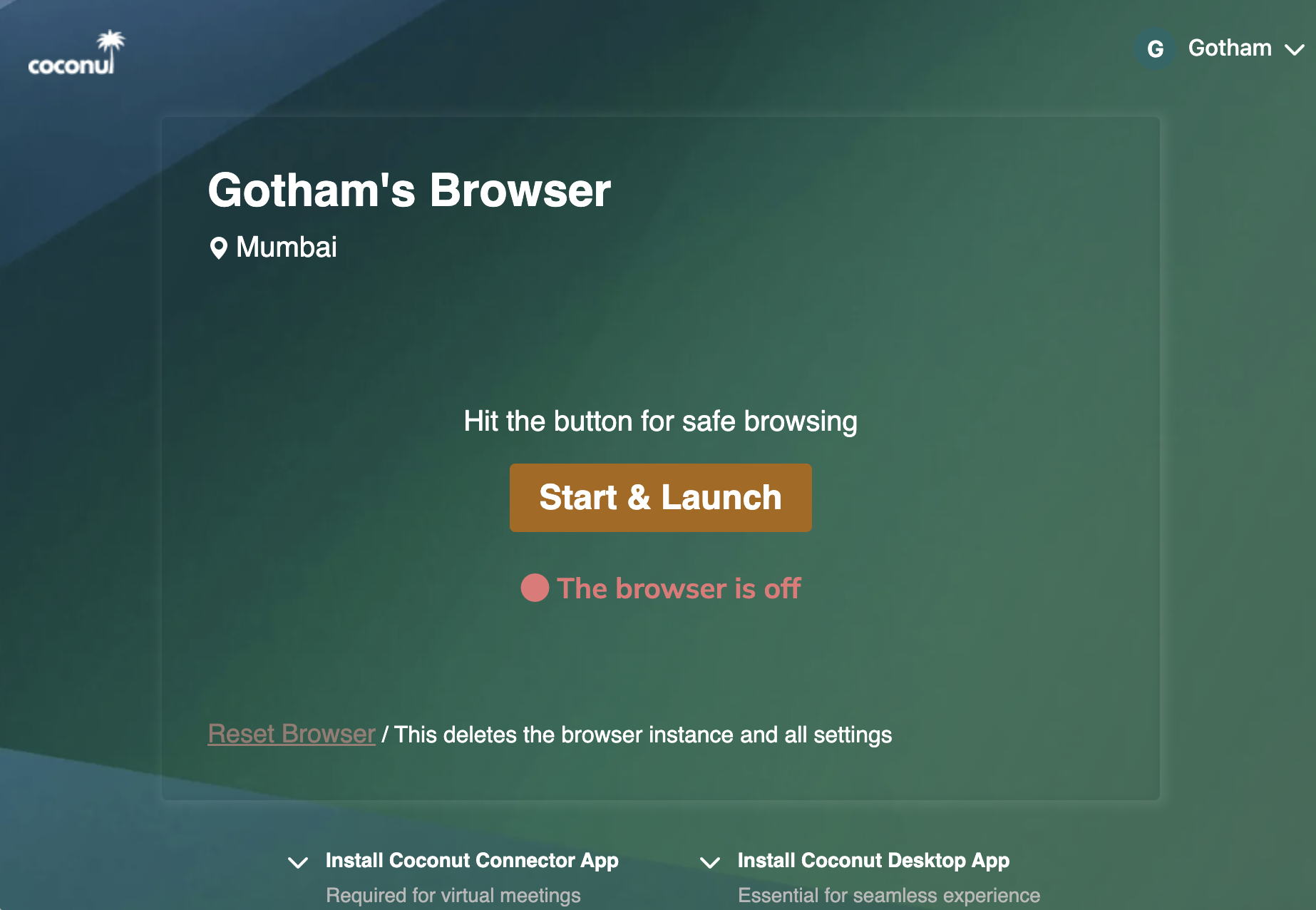
Sign in from any device
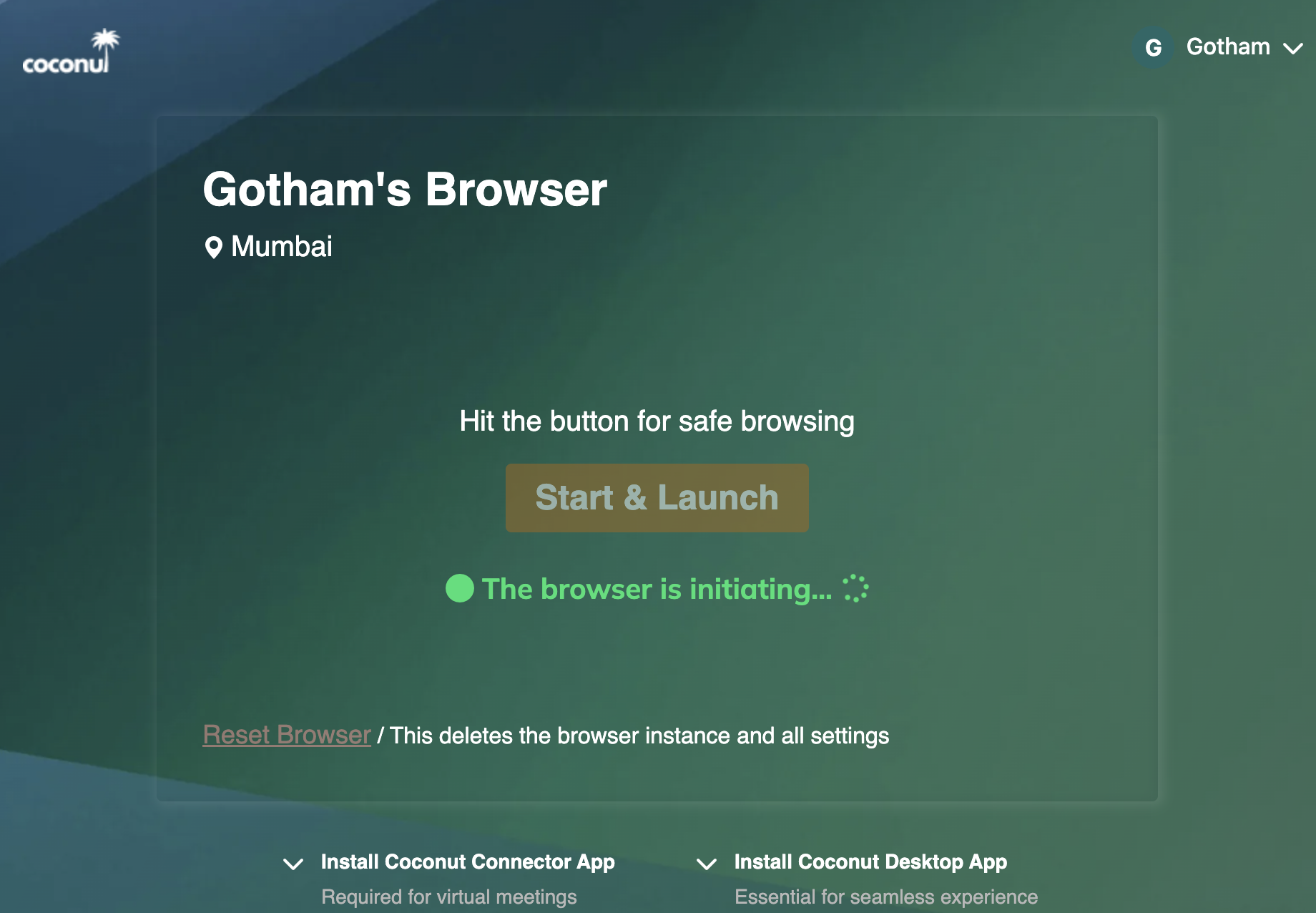
Spin up an isolated session
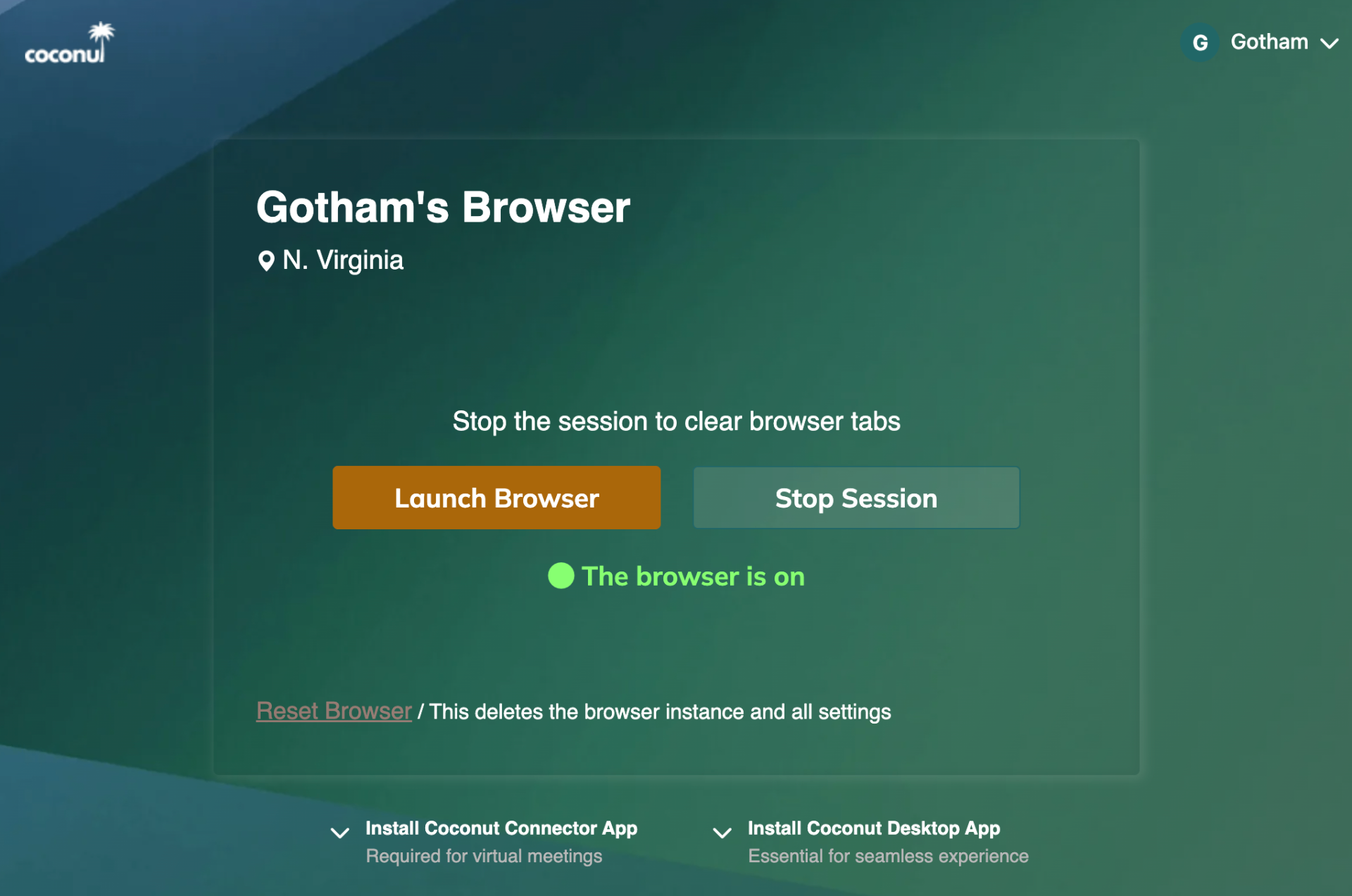
Launch from the region closest to you — N. Virginia or Mumbai
Your Apps. Your Workflows. Now Isolated.
Coconut runs any web app — productivity suites, SaaS dashboards, internal tools, even media — inside a hardened cloud session. Nothing changes for the user. Everything changes for security.
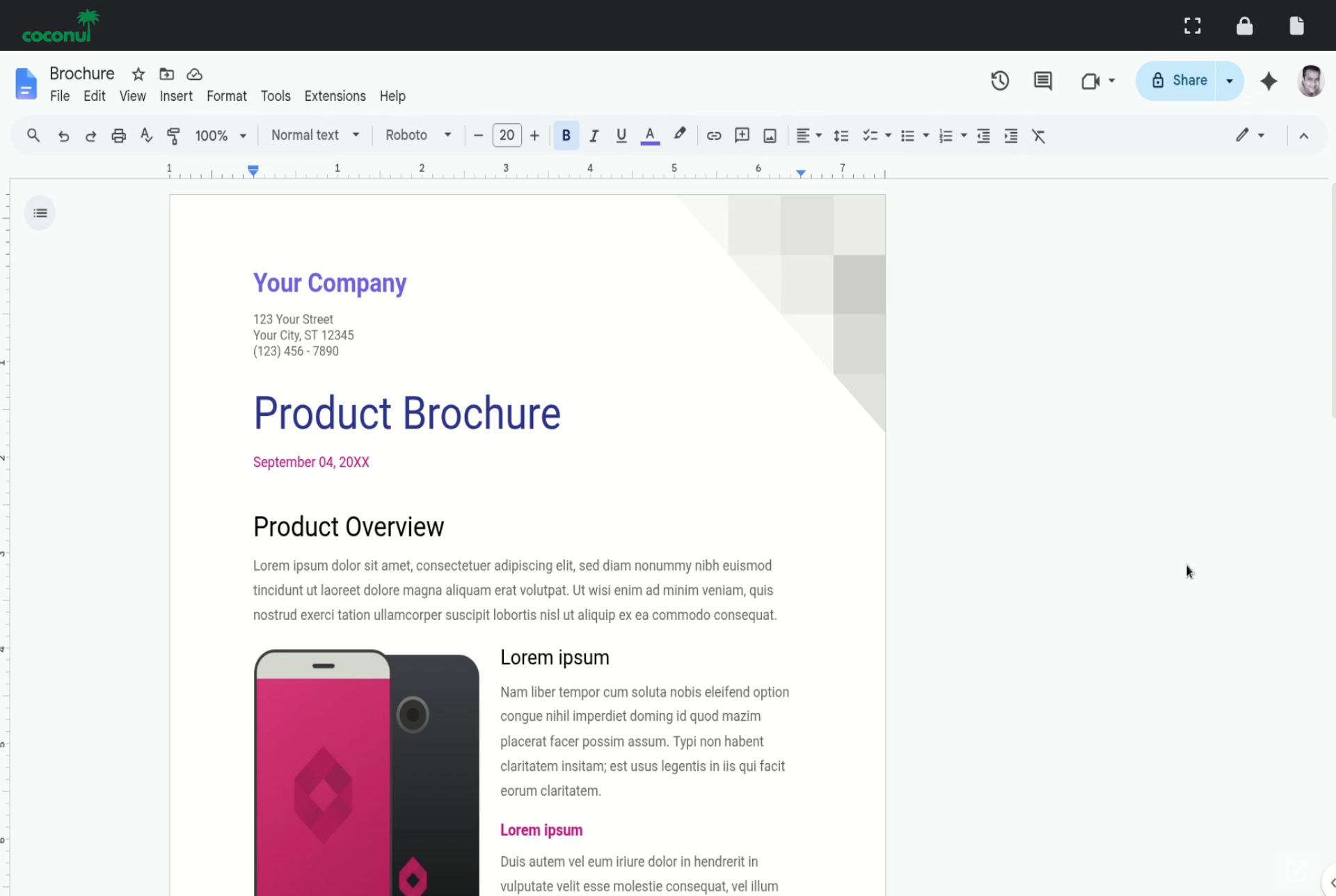
Google Workspace
Docs, Sheets, Slides, Drive, Gmail — your team's day-to-day, with credentials and downloads kept in the cloud.
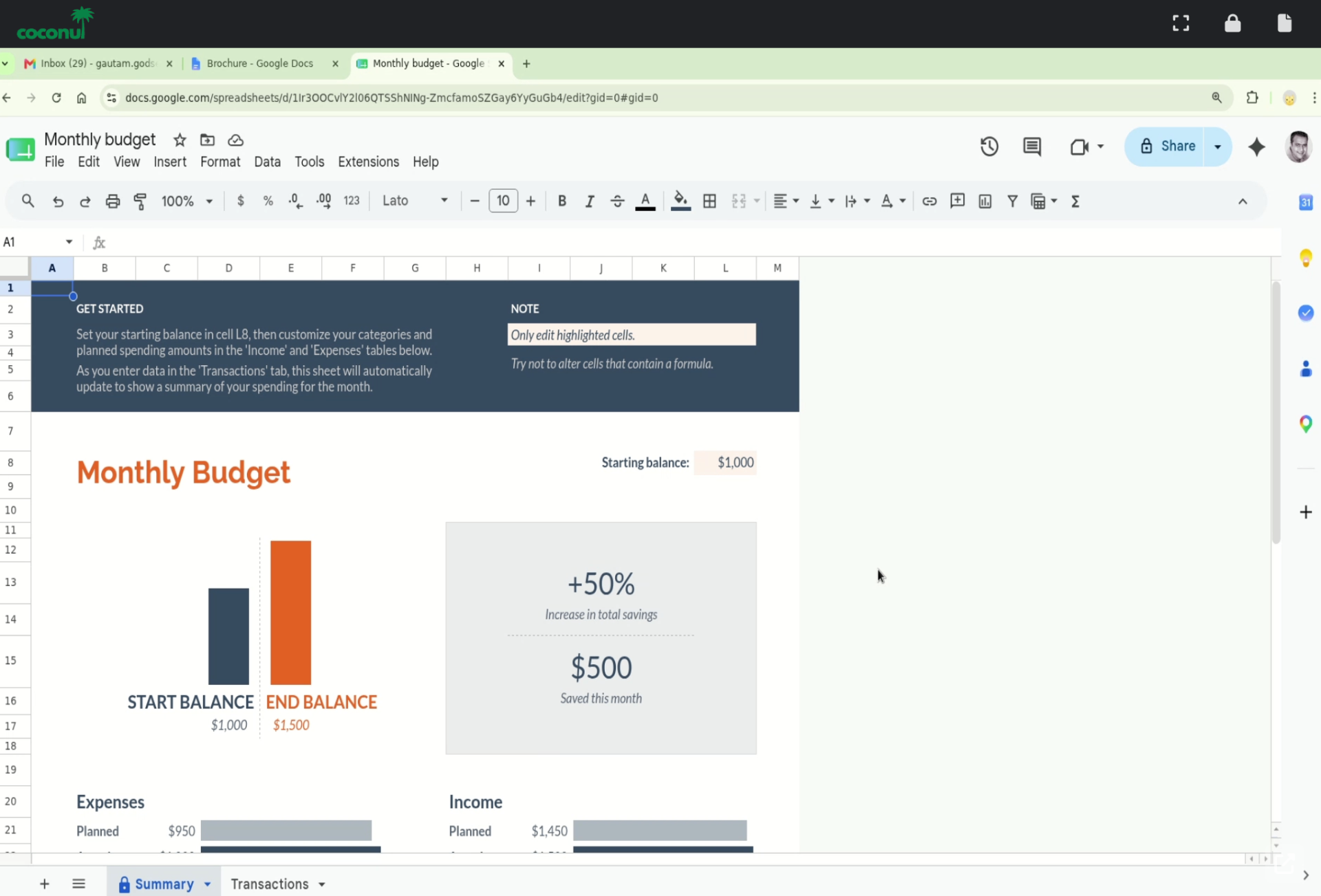
Spreadsheets & SaaS dashboards
Financial models, ops dashboards, CRMs, BI tools — the same web apps your team already uses, just safer.
Plus Microsoft 365, Salesforce, Jira, ServiceNow, internal web apps, and anything else that lives in a browser.
Coconut Turns the Browser Into a Secure Cloud Workspace
Centralized control. Familiar experience. AI tools and agents safely contained — none of the deployment overhead.
Work apps and AI tools run inside a cloud-hosted browser
Browser agents execute in the cloud, not on the endpoint
Users access from any device
Admins manage policies centrally
MSPs manage many organizations from one portal
No endpoint installation required
Built for the AI Era. Nothing to Install.
Protection from Malicious Sites
Drive-by downloads, exploit kits, and malicious scripts execute in the cloud browser — never on the employee's machine.
Phishing Containment
Suspicious links open inside an isolated session. Credentials, cookies, and downloads stay contained.
Limits Data Leakage
Files, copy-paste, and downloads stay in the cloud session and follow centrally enforced policy.
Isolated AI Agent Execution
Run OpenClaw, Hermes, and other browser agents inside Coconut — never on the endpoint. Agents click, type, and read in the cloud.
GenAI Allowlisting
Let teams use ChatGPT, Claude, Codex, Gemini, and Copilot through a single approved surface — with per-team and per-user policy.
AI Activity Visibility
See which AI tools and agents are being used, by whom, and where. Audit AI usage without keylogging the endpoint.
No-Install Access
Users log in and work. No software, VPN, or device setup required.
MSP-Ready Admin Portal
Manage multiple client organizations, users, licenses, policies, and access rules.
Granular URL Controls
Whitelist, restrict, and manage browser access by organization, team, or user.
BYOD Done Right
Personal devices stay personal. Work apps and AI tools run in the cloud session, not on the endpoint.
Contractor Onboarding
Give temporary workers secure access — including AI tools — without shipping laptops or configuring VPNs.
High-Speed AI Sessions
Cloud-hosted browser sessions tuned for fast LLM streams, agent loops, and real-time SaaS workflows.
A Secure Workplace Product MSPs Can Actually Sell
Coconut gives MSPs a simple, high-value product to add to their catalog as an alternative to VPN, VDI, and unmanaged browser access.
- Easy customer onboarding
- Multi-tenant management
- License allocation
- User management
- Admin controls
- Lower support burden
- Strong SMB value proposition
- Recurring revenue opportunity
Enterprise-Grade Browser Security Without Enterprise Bloat
Coconut helps small teams shut down phishing, contain malicious sites, and safely support BYOD — without expensive laptops, complex VPNs, or a large IT team.
Why Coconut Instead of VPN or VDI?
| Capability | VPN | VDI | Coconut |
|---|---|---|---|
| Protects against malicious sites | Partial | ||
| Contains phishing | Partial | ||
| Zero-day browser isolation | Limited | ||
| Safe for BYOD | Risky | Expensive | |
| Safe for AI agents | Risky | ||
| GenAI allowlisting | Limited | ||
| Agents off the endpoint | |||
| No endpoint install | |||
| Fast setup | |||
| Browser-native work | Limited | Overkill | |
| MSP-friendly | Limited | Complex | |
| Lower cost | Sometimes | ||
| User simplicity | Medium | Low | High |
| Admin control | Medium | High but complex | High and simple |
Protect Every Browser Session — and Every AI Tool — From One Place.
See how Coconut shields endpoints from malicious sites, phishing, and BYOD risk — and safely contains ChatGPT, Claude, Codex, and browser agents in the same cloud workspace.